

Free
$0
3 dashboards, one-time
Vulux branding · default colours
Start FreeAI-Powered Dashboards
Pick one CSV or Excel file, choose the columns and charts you want, and get a live dashboard in seconds. Every dashboard is a single file that works 100% offline. No server upload. No setup. No demo call.
Real dashboards generated by the Vulux engine. Click a card to bring it forward — click the front card to open the actual self-contained file in a new tab.
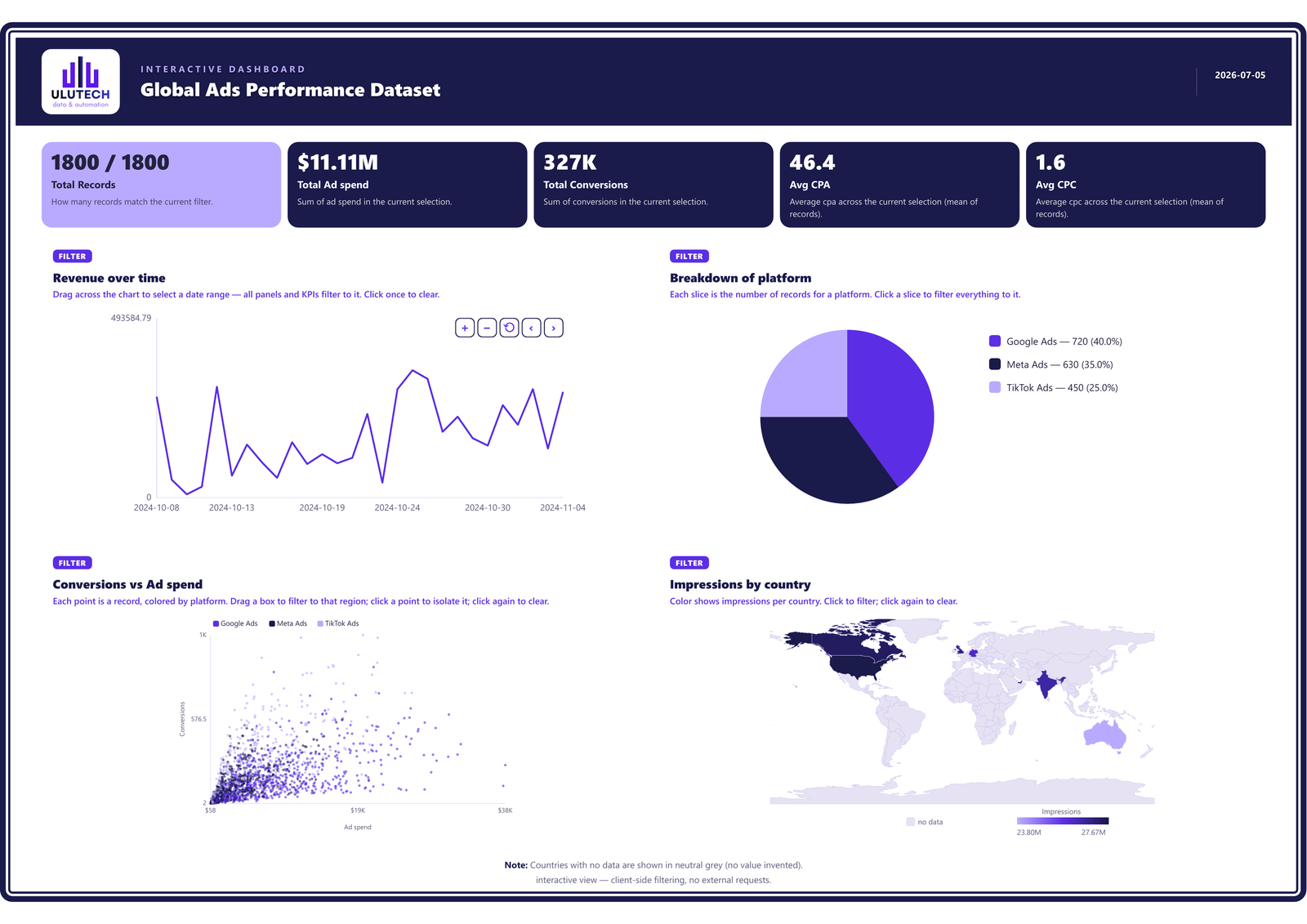
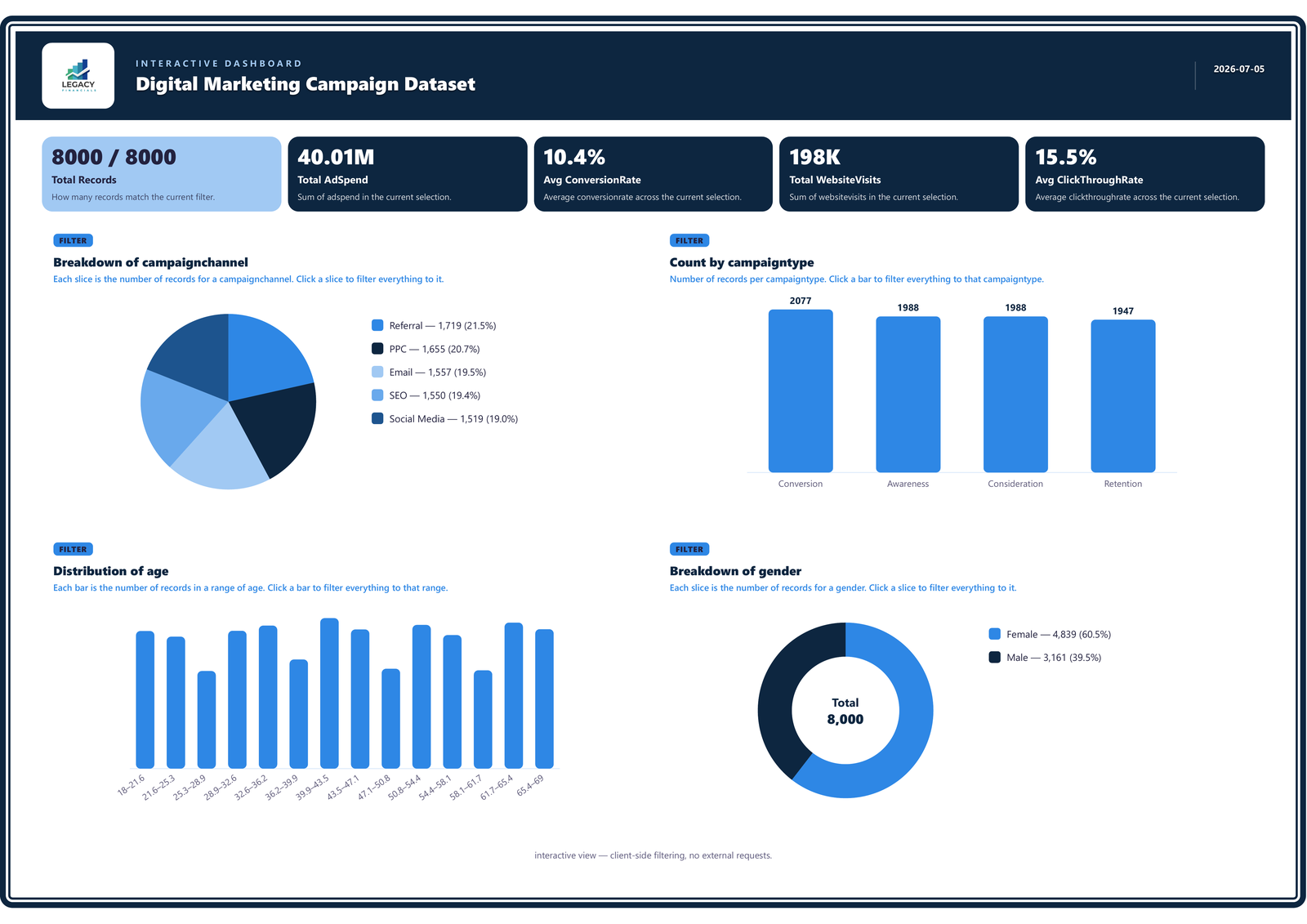
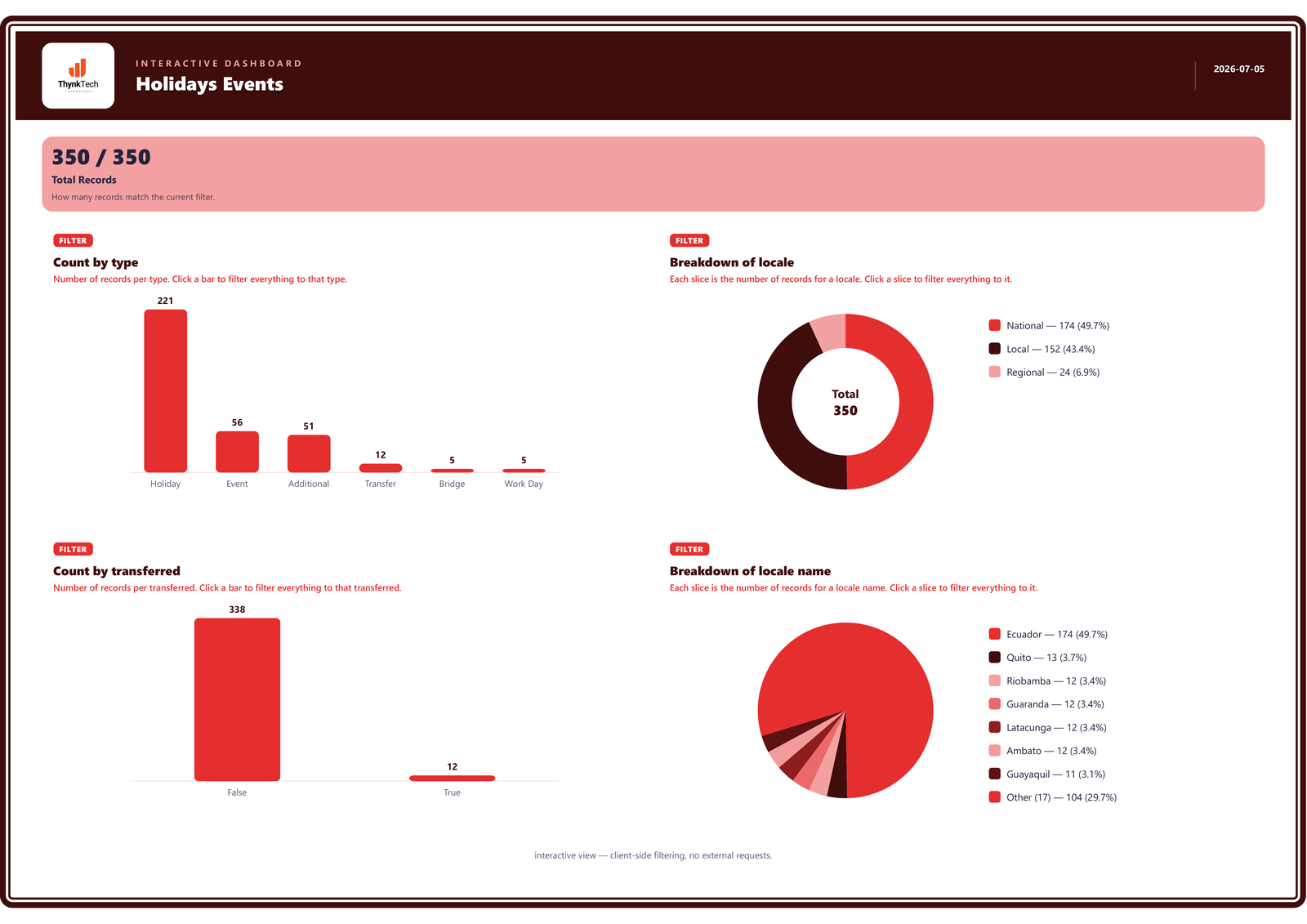
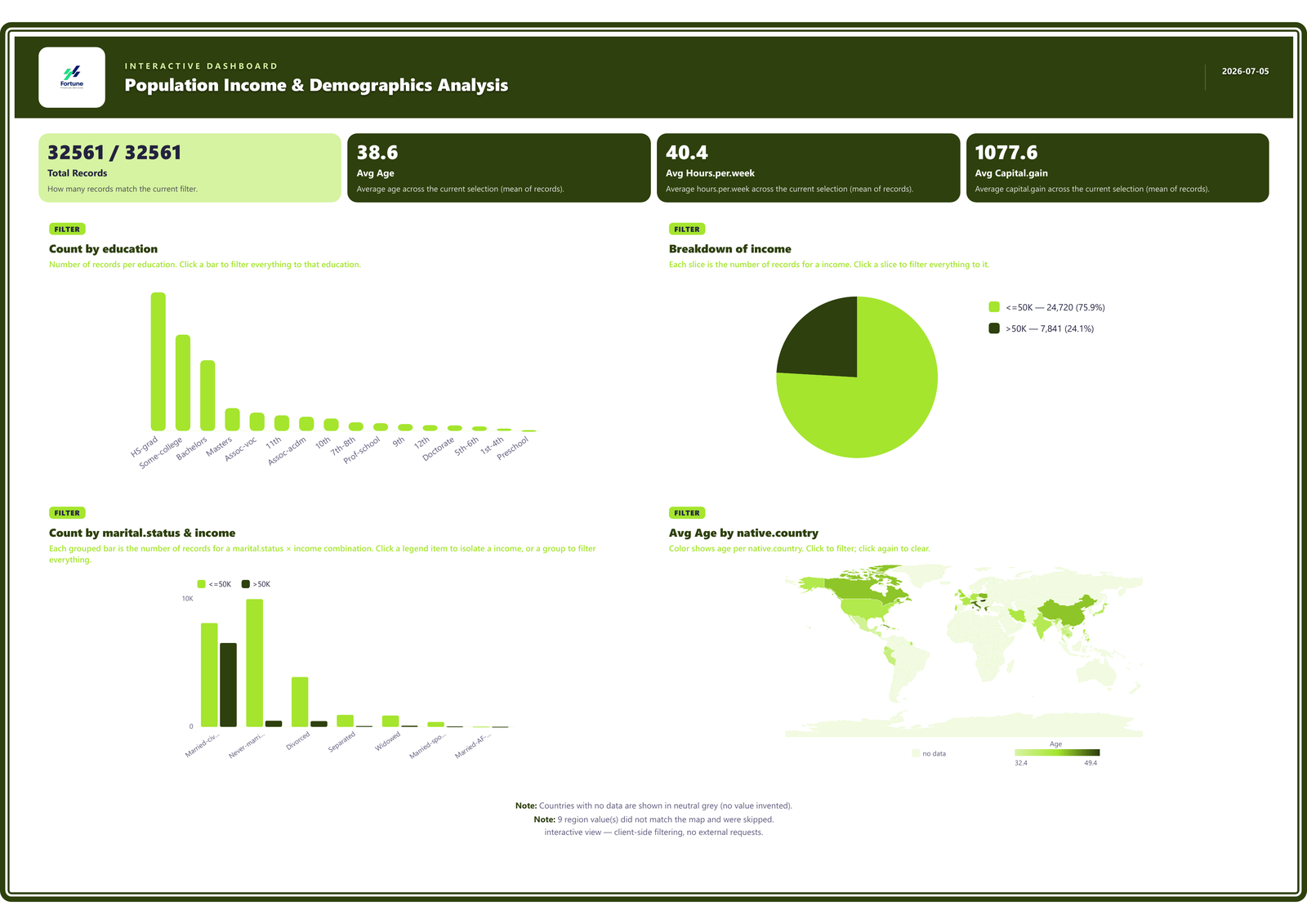
Drop in a CSV or Excel file up to 50MB. Keep the default Vulux branding, or bring your own logo, colours and fonts with the Analyst plan.
Choose the charts you want — every bar type, scatter, histogram, pie & donut, GEO maps and KPI cards — or hit Auto-Generate and let the AI build the best view for your data.
Download a single self-contained file that works 100% offline — in Vulux styling, or your own colours, fonts and logo on the Analyst plan. Data is embedded, no external requests — and it's ready for PDF or print.
From upload to finished dashboard — all in seconds.
Start free with 3 dashboards. Go unlimited with Analyst — your own logo and brand colours, cancel anytime.
$0
3 dashboards, one-time
Vulux branding · default colours
Start Free$9.99/mo
Unlimited dashboards
Your own logo · your brand colours
Get AnalystNew accounts get 3 free dashboards — no card required. The free dashboards are a one-time trial; they don't renew each month.
Billed monthly · cancel anytime · downloaded dashboards are yours to keep
Your data is completely safe and never leaves your computer. Each dashboard is generated as a self-contained file with your data embedded, works 100% offline, and makes zero external requests.
CSV and Excel (.xlsx) files are supported.
Yes — your file should be reasonably clean and well-structured before you upload it. Vulux reads your data as-is and doesn't perform extra cleaning, so rows should have consistent columns and clear headers. Typos, misplaced values, or broken formatting in your file can carry over into the dashboard and cause it to render incorrectly. A quick check of your spreadsheet before uploading gives you the best result.
Yes. You can generate as many dashboards as you like from one file — different charts, layouts and views. Each generation uses one credit, so the free trial covers 3 in total; with Analyst it's unlimited.
Yes — brand colours and your own logo are part of the Analyst plan, so every dashboard you generate looks like it belongs to your business. On the free trial, dashboards use the default Vulux branding.
A credit is used each time you generate a dashboard, including Auto-Generate. Uploading a file, previewing it and re-downloading a dashboard you have already generated don't use credits. New accounts start with 3 free dashboards, and Analyst subscribers generate as many as they like without using credits.
You can upgrade to Analyst for $9.99 per month and generate unlimited dashboards, with your own logo and brand colours. The 3 free dashboards are a one-time trial — they don't renew each month. Analyst is billed monthly and you can cancel anytime.
Yes. The downloaded file is a permanent, self-contained HTML that stays yours — reopening, sharing and printing never use credits, and they keep working after a subscription ends.
Yes — CSV and Excel files up to 50MB.
No. The downloaded dashboard works 100% offline — your data is embedded in the file itself.
Your data stays on your computer
Upload a spreadsheet and download an interactive dashboard — in seconds.